TL;DR
1Password is the most polished password manager in the category in 2026, and the technical architecture is genuinely impressive: a 128-bit Secret Key stored only on your devices combines with your master password to derive the key that encrypts your vault, meaning even a full server breach can’t expose your data. The UX is uniformly excellent — autofill, browser integration, passkey support, and Watchtower all just work. What’s harder in 2026 is the value math: 1Password raised prices on March 27, 2026 while Bitwarden, Proton Pass, and Apple’s built-in Passwords app all became more competitive. For new users without password-manager loyalty, Bitwarden or Proton Pass usually wins on price; for users already deep in the 1Password ecosystem, the switching friction is rarely worth the savings.
Try 1PasswordWhat it is
1Password is a password manager built by 1Password Inc. (formerly AgileBits, founded in 2005 in Toronto, Canada). It stores passwords, passkeys, credit cards, identity documents, secure notes, software licenses, and arbitrary encrypted data in vaults that sync across your devices. It’s available natively on macOS, Windows, Linux, iOS, Android, and as browser extensions for every major browser.
In 2026, 1Password is in the middle of a strategic transition from “best-in-class consumer password manager” to “Extended Access Management (XAM) platform for the enterprise.” The December 2024 acquisition of UK-based Trelica was the largest in the company’s 18-year history and accelerated the B2B roadmap by an estimated 18 months. The consumer products continue to ship, but the strategic centre of gravity has moved.
Who it’s for
1Password is for people who use a password manager every day, on multiple devices, and care about the experience. The typical 1Password user has 200+ saved credentials, uses two or more browsers, switches between iOS and macOS or Windows and Android, and wants autofill to work reliably without thinking about it. If that describes you, 1Password is the most polished option on the market and the price is rarely the reason to leave.
1Password is not the best choice for users who only want a free password manager (Bitwarden’s free tier is generous), users who already pay for Proton Unlimited (Proton Pass is included and competitive), or users who exclusively live in the Apple ecosystem (Apple’s built-in Passwords app is now functional enough for many people). It’s also a poor fit for users with strong open-source preferences — 1Password is closed-source, and that won’t change.
Pricing
1Password raised prices on March 27, 2026 — the first significant hike in years. Current pricing on annual billing:
| Plan | Annual | Monthly equiv. | Coverage |
|---|---|---|---|
| Individual | $47.88/yr | $3.99/mo | 1 person, unlimited devices |
| Families | $71.88/yr | $5.99/mo | 5 family members, shared vaults |
| Teams Starter | $19.95/mo | — | 10 users, B2B features |
| Business | $7.99/user/mo | — | Unlimited users, admin controls, SSO |
| Enterprise | Custom | — | Adds Extended Access Management |
No free tier. The free 14-day trial doesn’t require a credit card. Promotional pricing appears periodically (Black Friday, back-to-school) but the discounts are typically 20-30% off the first year only.
EUR pricing tracks USD at roughly 0.92-0.95x depending on FX. Expect Individual around €3.79/month and Families around €5.69/month if you pay annually.
Strengths
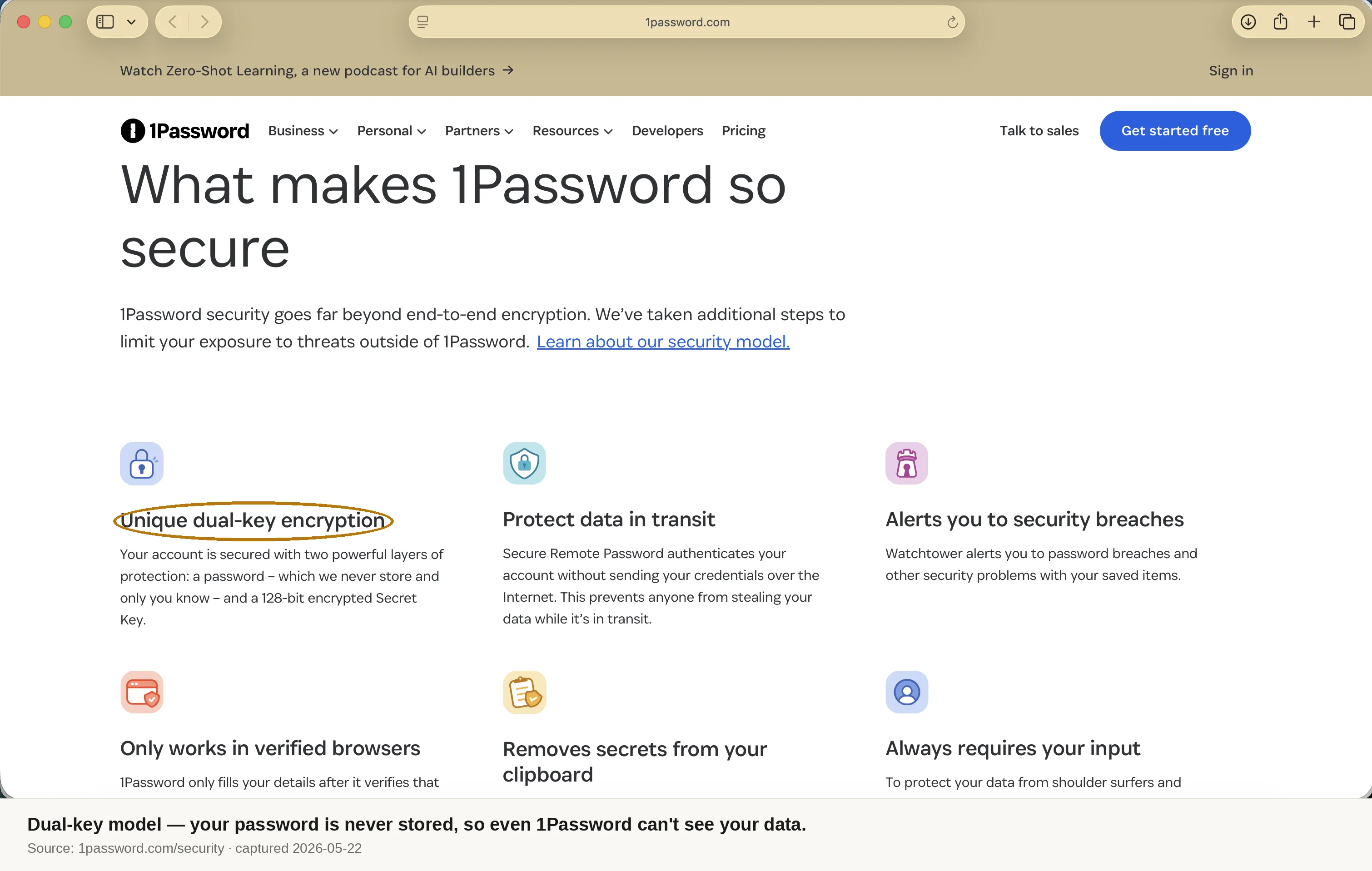
Two-Secret Key Derivation is genuinely uncommon. Most password managers protect your vault with a single secret: your master password. If an attacker exfiltrates the encrypted vault from the server and runs an offline brute-force attack, a weak master password gets cracked. 1Password’s architecture combines the master password with a 128-bit Secret Key that is generated on-device, stored locally, and never transmitted to 1Password’s servers. The key derivation function (PBKDF2-HMAC-SHA256) requires both. Without the Secret Key, no offline cracking attempt is feasible regardless of how weak the master password is. This is a meaningful improvement over the single-secret model used by most competitors, and it became salient after the 2022 LastPass breach demonstrated exactly the failure mode 2SKD prevents.
The UX is widely rated best-in-class. Independent reviewers across the major password-manager comparison sites consistently rank 1Password’s autofill, passkey login flows, and native app polish at or near the top of the category. Vault organization (Watchtower’s tagging, item types, custom fields) is more capable than most competitors. None of this sounds glamorous in a review, but for users who have fought a password manager’s browser extension to fill the right field, the consistency 1Password is repeatedly credited with is the entire value proposition.
Full passkey parity in 2026. 1Password ships passkey support across every platform that actually matters: Chrome, Safari, Firefox, Edge, and Brave on the desktop; Windows 11, macOS, iOS, and Android natively. You can create, sync, autofill, and share passkeys across devices and family members. Apple’s native Passwords app doesn’t sync passkeys to non-Apple devices well; Google Password Manager doesn’t sync to non-Chrome browsers cleanly. 1Password is currently the only cross-platform manager with full parity, and given that passkey adoption is the most important authentication shift of the decade, this matters.
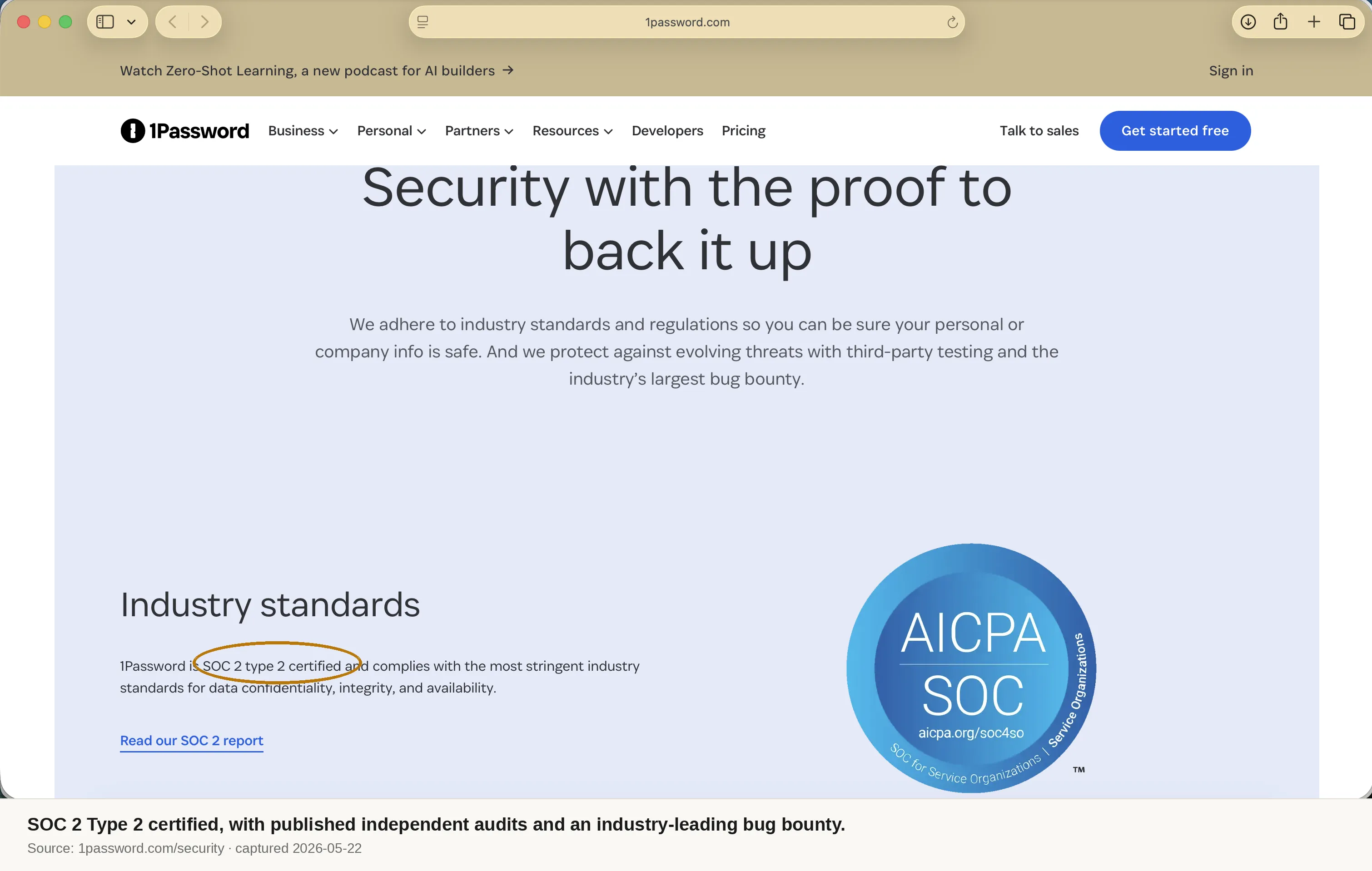
Public security documentation and certifications. 1Password publishes its security white paper, maintains a Trust Center, and as of November 3, 2025 publishes annual penetration test reports there. It holds SOC 2 Type II, ISO 27001, ISO 27017, ISO 27018, and ISO 27701 certifications and is HIPAA compliant. The bug bounty program is active. None of this guarantees you won’t get breached, but it’s the right paperwork to expect from a category-leading product, and many competitors don’t show theirs.
Travel Mode is unique and useful. When you enable Travel Mode and mark a vault as “not safe for travel,” that vault is removed from all your devices entirely — not hidden, removed. Border agents inspecting your device cannot tell Travel Mode is enabled and cannot find the data. When you turn it off, the vault restores automatically on next sync. Not every reader needs this, but for journalists, lawyers, and anyone crossing borders professionally, it’s a feature that genuinely doesn’t exist elsewhere.
Weaknesses
The price is no longer competitive on raw functionality. Before March 27, 2026, 1Password Individual was $36/year. After the increase, it’s $47.88. In parallel, Bitwarden moved its Premium tier from $10 to $19.80/year — still less than half of 1Password — and Proton Pass dropped Pass Plus from $3.99 to $1.99/month, undercutting everyone. If you’re starting fresh and comparing on price-per-feature, Bitwarden and Proton Pass both win. 1Password’s premium has always been justified by polish; in 2026, the polish gap to Bitwarden has narrowed and Proton Pass is now competitive on UX.
No free tier. This is the single most common objection. Bitwarden’s free plan covers unlimited passwords, unlimited devices, and the basics that 90% of users need. Proton Pass Free covers similar ground and adds email aliases. Apple’s Passwords app is free. 1Password has only the 14-day trial. For users who want to try a password manager before committing or who genuinely don’t need premium features, 1Password forces a paid signup as the first interaction. That’s a friction point that competitors are exploiting harder every year.
Strategic focus is shifting to B2B. The Trelica acquisition and the broader “Extended Access Management” positioning indicate that consumer subscriptions are no longer 1Password’s growth story — the company is targeting CISOs, not individuals. This isn’t immediately bad for consumers; the existing product continues to ship and improve. But over a 3-5 year horizon, expect new features to land in the B2B tier first, expect price increases to continue (because enterprise customers absorb them more easily), and expect the consumer product to become more of a top-of-funnel for B2B sales than a strategic priority.
Compared to alternatives
In 2026, the realistic 1Password alternatives are Bitwarden, Proton Pass, and (within the Apple ecosystem) Apple’s Passwords app.
Against Bitwarden, 1Password wins on UX, polish, and the 2SKD architecture. Bitwarden wins decisively on price (less than half), open-source transparency (full code audit possible), and self-hosting (you can run the entire stack on your own infrastructure). For most technically-comfortable users, Bitwarden is the better choice in 2026 unless 1Password’s UX is worth roughly $25/year extra.
Against Proton Pass, 1Password wins on maturity, passkey parity, and Watchtower’s depth. Proton Pass wins if you’re already paying for Proton Unlimited (in which case Pass is “free”) and on integrated privacy features (built-in email aliases). The math is decisive: if you’d pay for Proton Unlimited anyway, you don’t need 1Password.
Against Apple Passwords, 1Password wins for anyone with non-Apple devices in their life. Apple’s app is now functional enough on its own platform that single-ecosystem users can stop paying — but if you have a Windows work laptop or an Android phone, Apple Passwords’ cross-platform support is still weak.
Final verdict
1Password is the best password manager you can buy in 2026 if your priorities are UX, cross-platform consistency, passkey support, and the strongest available encryption architecture for a multi-user manager. It’s also no longer the obvious default it was three years ago. The March 2026 price hike, the rise of competitive alternatives, and the strategic pivot to B2B all make the consumer value proposition weaker than it was — even if the product itself remains excellent.
The cleanest decision rules: if you already use 1Password and it works, keep using it; switching is rarely worth the friction. If you’re starting fresh and value price, choose Bitwarden. If you’re starting fresh and value an integrated privacy ecosystem, choose Proton Pass (and consider going all the way to Proton Unlimited). If you specifically need the most polished UX and full passkey parity across both Apple and Microsoft ecosystems, choose 1Password.
Try 1PasswordDisclosure
This review is based on 1Password’s published security white paper, the Trust Center penetration test reports, current pricing pages, the company’s public acquisition and product announcements, and aggregated independent expert reviews — all verified as of May 2026. privategrade.io earns a commission if you sign up for a 1Password plan via links on this page; the commission rate does not influence our score. Editorial standards are documented in our methodology. Full affiliate disclosure is on its own page.
Sources verified for this review (May 2026)
- 1Password pricing page — 1password.com/pricing
- March 2026 price increase coverage — 9to5google.com and MacRumors
- 1Password Security Design white paper — 1passwordstatic.com
- 1Password Trust Center — trust.1password.io
- 1Password security audits page — support.1password.com
- Trelica acquisition announcement (December 2024) — businesswire.com
- 2026 password manager market shifts (Bitwarden, Proton Pass, Dashlane pricing) — cyberinsider.com